Team & training
How to Introduce Garage Management Software to Your Team
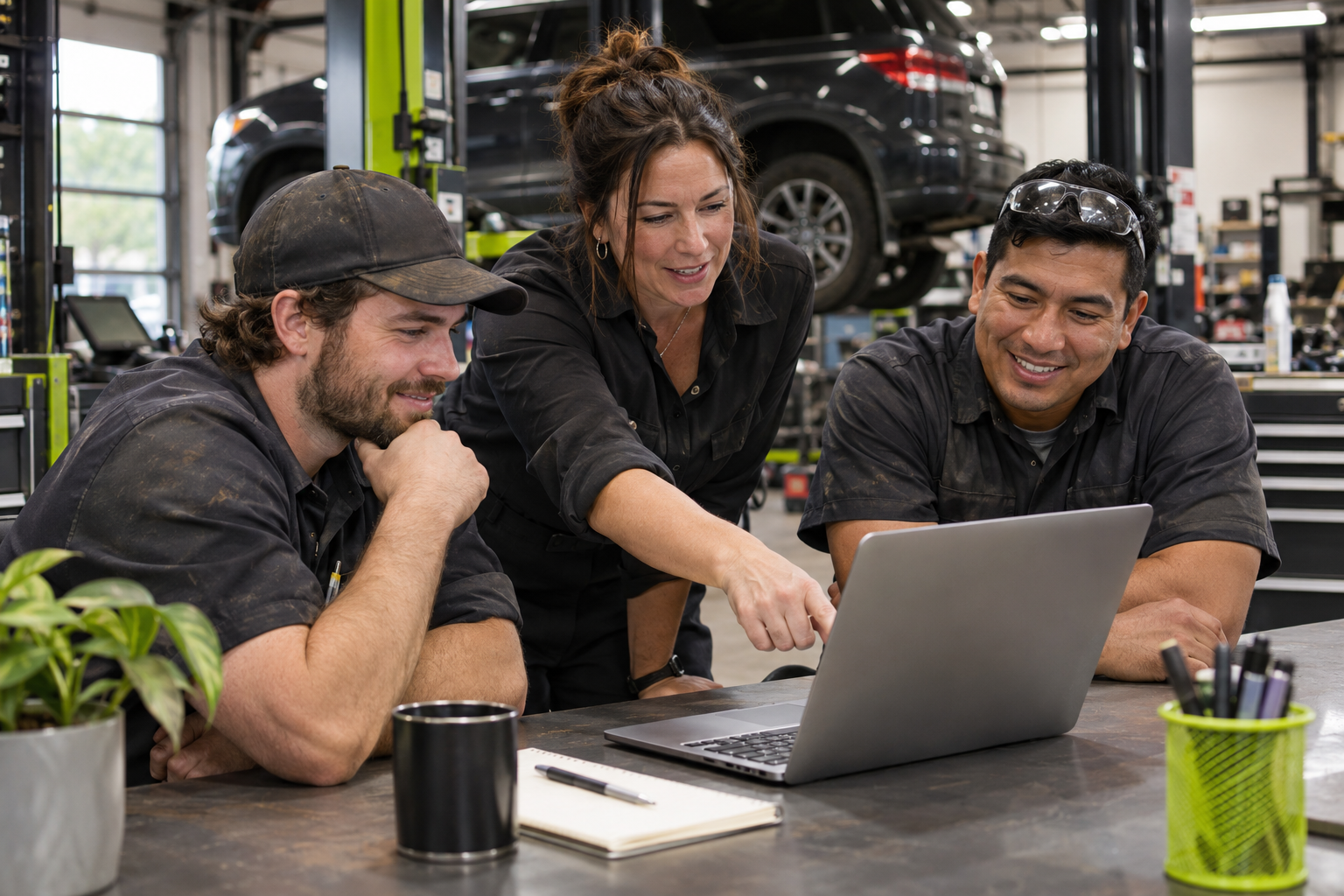
Help your garage team adopt new software with role-based practice, a realistic test job and clear handoffs between the front desk, technicians and owner.
A new system can look straightforward in a demonstration and still feel unfamiliar during a busy morning.
Your front desk is taking calls. Technicians are trying to get through their assigned work. The owner wants a clear overview without creating more administration for everyone else.
Introducing garage management software works best when training follows those real responsibilities. Start with what each person needs to do, then connect the handoffs.
Choose one familiar job to practise
Use a fictional customer and vehicle to walk through a typical visit. Pick work your team already understands rather than an unusual repair with several exceptions.
Practise recording the booking, confirming arrival, finding the assigned work, adding useful observations and handing the completed job back to the front desk.
The first exercise should answer a practical question: can everyone complete their part and understand what happens next?
Teach each role its daily tasks
The front desk and technician do not need the same first lesson.
For the front desk, focus on creating and finding bookings, assigning work and locating the relevant customer or vehicle record.
For technicians, practise finding assigned jobs, starting and pausing work, recording findings where needed and marking work complete.
For the owner, start with the overview and the information used to review the day. Add less frequent tasks after the everyday workflow feels familiar.
Agree on the meaning of each handoff
Software cannot resolve a process that the team has not agreed on.
Define when a booking is ready for the technician, what a paused job requires and what “work complete” means for the front desk. Make it clear who handles a customer decision and who updates the job afterwards.
Write down the few rules that matter most. A short, practical reference is easier to use during a busy shift than a long explanation of every screen.
Make help easy to find
Questions are part of learning a new system. Give employees a reliable place to check how to complete a task, and a clear route to a person when the answer is uncertain or urgent.
Axovys includes help topics, a user guide and an AI help assistant for questions about using the software, with human contact options. AI guidance can make mistakes, so employees should confirm uncertain answers with a person, particularly before taking an action they do not understand.
Support the language your team uses
In a bilingual garage, training should reflect the way people actually work.
Axovys supports English and French interfaces and customer documents. Custom notes stay in the language entered, so agree on how your team will write notes intended for customers or colleagues.
Review friction after the first practice session
Ask each person what they struggled to find, which step felt unclear and where they needed help. Use those answers to improve your training and workflow before introducing more features.
Successful adoption starts with confidence in the everyday tasks. Build from there.
Book an Axovys demo around the roles in your garage, and see how the front desk, technicians and owner can work through the same job.
Request a demo ↗