

Vehicle inspections
Digital Vehicle Inspections: How to Write Findings Customers Understand
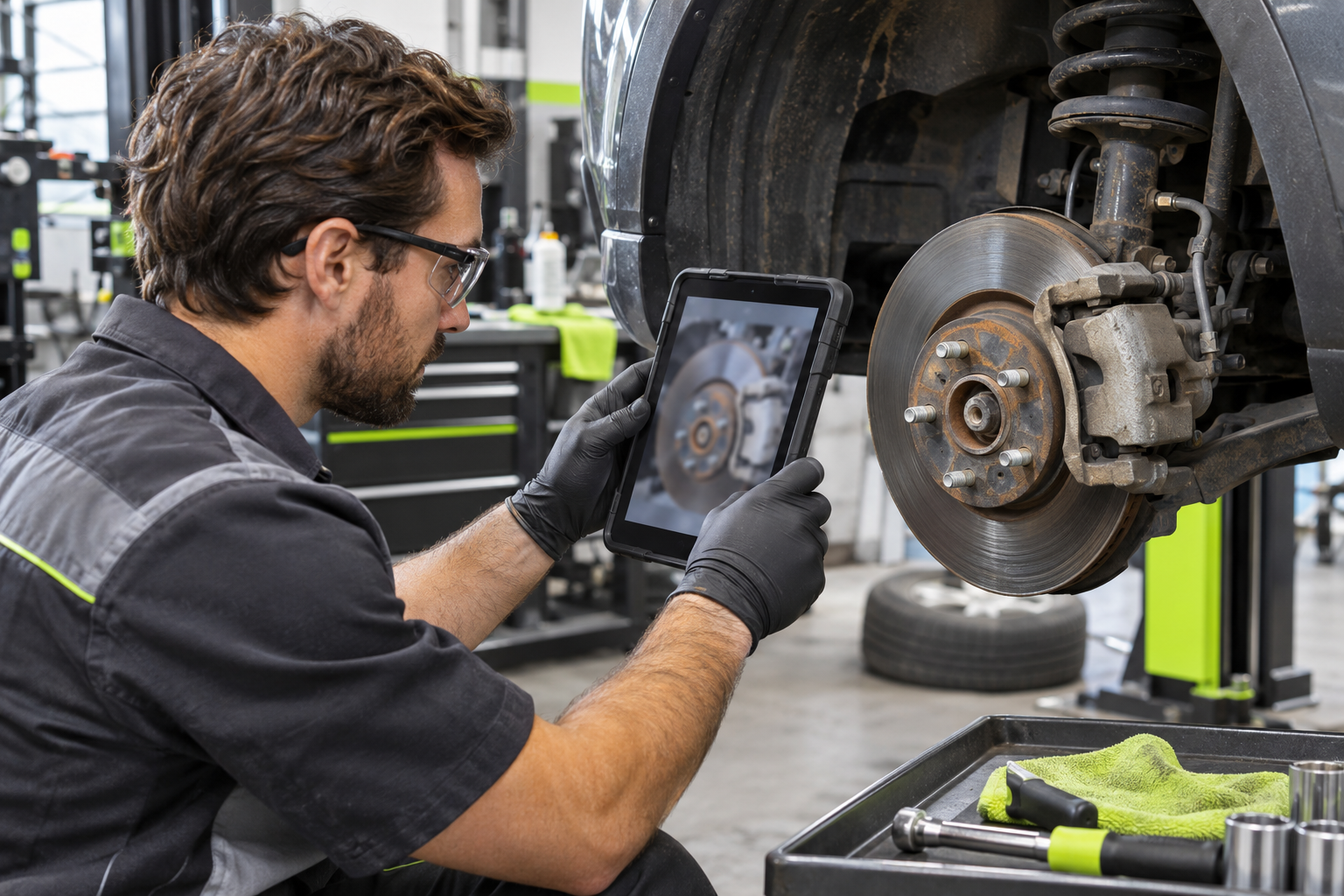
Make vehicle inspection reports easier to understand with consistent checklists, specific observations and a clear explanation of the next step.
“Needs attention” tells a customer that something was found. It does not tell them what was found, why it matters or what you recommend doing next.
A useful digital vehicle inspection report connects those details. It gives the technician a consistent way to document findings and gives the front desk something clear to explain.
The value is not simply replacing paper with a screen. It is improving the quality of the information your team records.
Use a repeatable checklist
A reusable inspection checklist gives technicians a common starting point. Depending on the inspection’s scope, that might include tires, brakes, lighting, fluids, the battery, wipers and steering or suspension components.
Define what your checklist covers. Do not make an unchecked item look inspected, and do not present a limited inspection as a complete assessment of the vehicle.
Consistency helps your team review the report without guessing what a result means.
Separate the result from the observation
A status is useful for scanning a report. The written observation supplies the context.
Compare these two notes:
- “Fluids: attention.”
- “Coolant level below the reservoir’s marked minimum when checked. Further assessment recommended.”
The second describes an observation and a next step without assuming a cause. A low level alone does not establish why it is low.
Use measured values where the technician has actually taken them. Avoid filling gaps with confident wording that the inspection does not support.
Write for the customer, not only the technician
Your customer may not know the names of every component. Use plain language, identify the affected area and explain any recommendation clearly.
If more investigation is needed, say so. If a finding requires a conversation before additional work, make that handoff clear to the front desk.
Photos can add context when they show the relevant condition. Keep them associated with the correct job, and explain what the reader should notice rather than assuming the image speaks for itself.
Keep findings separate from approval
An inspection report records what was checked and what was found. It should not be treated as customer approval for additional repairs.
Your garage still needs a clear process for explaining proposed work, preparing an estimate and recording the customer’s decision. Accurate documentation helps support that conversation; it does not replace it.
Make the report useful to your whole team
Axovys supports reusable inspection checklists, recorded findings and printable customer-facing reports. The interface and report labels support English and French. Custom notes remain in the language your team enters, so review those notes before sharing a report in another language.
A practical place to start is your most common inspection. Review three recent reports and ask whether someone outside the workshop could understand each finding and its proposed next step.
Request an Axovys demo to see how inspection checklists and customer-facing reports fit into a connected work order.
Request a demo ↗